
Property management for landlords
Run your rentals in one place.
Occuplace gives landlords one system for reservations, monthly bills, repair requests, contracts and announcements, so nothing gets lost in a text thread. Your listings reach tenants who can reserve online.
Everything a landlord needs, in one place
Most listing sites stop at the ad. Occuplace keeps going after the reservation, so you can run the place from the same system.
Repairs that get fixed
Tenants report a problem with photos. You update the status from submitted to fixed, and nothing gets forgotten.
Bills made for you
Monthly bills are generated automatically, with balances and a payment history for every tenant.
Downpayments, handled
Tenants pay your GCash, Maya or bank QR and upload a receipt. The downpayment is taken off their first bill.
Online reservations
Tenants reserve without an account. You review each one and confirm it from your dashboard.
Units, rooms and capacity
Set up your buildings, units, amenities and tenant limits with a guided setup.
Move-in and move-out checks
Check every amenity when a tenant arrives and leaves, so everyone agrees on its condition.
Lease contracts, ready to print
A contract is made from the reservation. No retyping, no lost paper.
Listings checked first
The Occuplace team reviews every listing before it goes public, so tenants trust what they see.
How it works
For landlords
-
1
Sign up with your email and verify it.
-
2
Add your property and units with the guided setup.
-
3
Post a listing. The Occuplace team reviews it before it goes public. Then manage reservations, bills and repairs from your dashboard.
For tenants
-
1
Search the approved listings that still have room. No account needed.
-
2
Pick a unit and send your details.
-
3
Pay the downpayment to the landlord's account and upload your receipt. Once the landlord confirms, you get a login for rent, requests and announcements.
Short stay or long stay
Your tenants choose how long they plan to stay when they reserve.
Short-term
6 to 11 months
For example one or two school terms, a work contract or an internship.
Rent is billed monthly. Ask the landlord if you may extend.
Long-term
1 to 3 years
For example a full school year onward, or a family or worker settling in.
Rent is billed monthly. Ask the landlord about renewal when the contract ends.
Available now
Places landlords have listed. This is what tenants see.
 Boarding House
1 slot available
Marcus the great IIXV
Lotloton, Enrique Villanueva, Siquijor
₱200,000.00 / month for the whole space
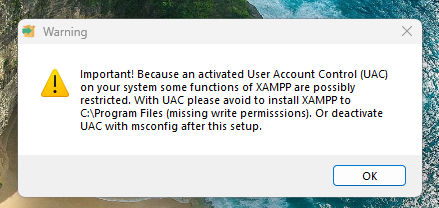 Apartment
1 slot available
Holloween Place
Banaba Kanluran, Batangas City, Batangas
₱7,000.00 / month for the whole space
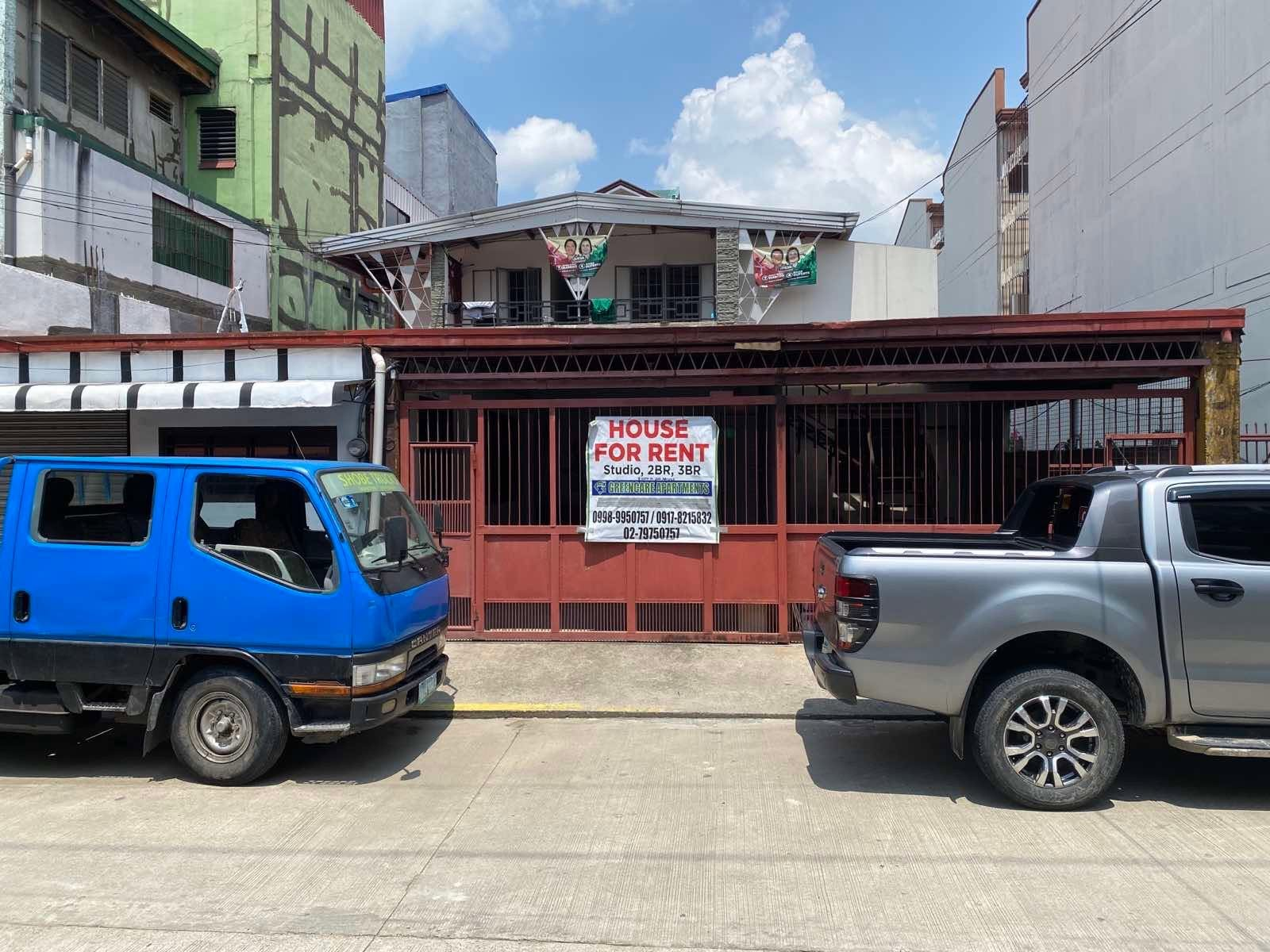 Rental Home
1 slot available
Magtibay Rental Home
Santo Rosario, San Luis, Pampanga
₱2,500.00 / month for the whole space
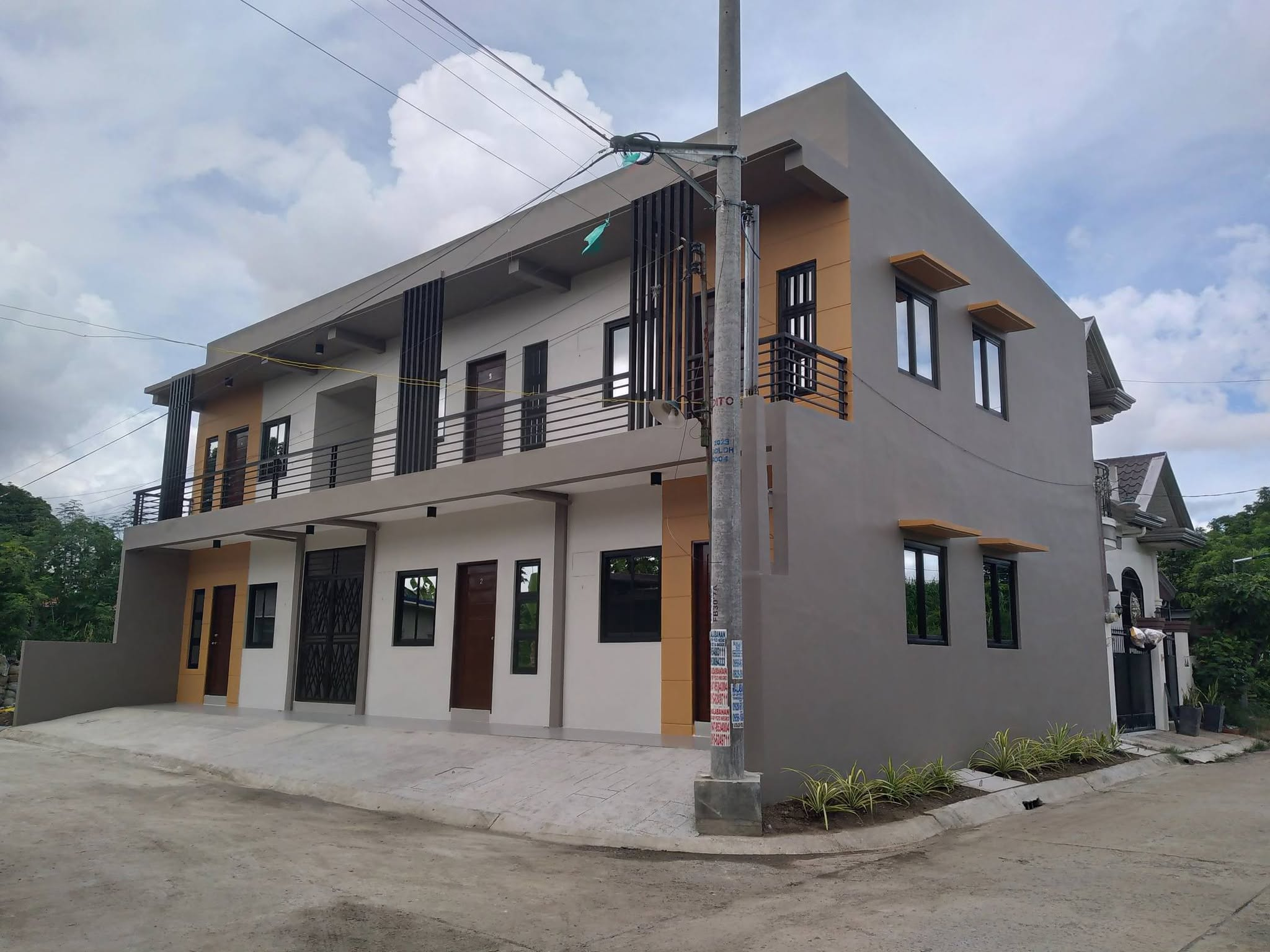 Apartment
1 slot available
The Juans
San Agustin, City of San Fernando, La Union
₱5,500.00 / month for the whole space
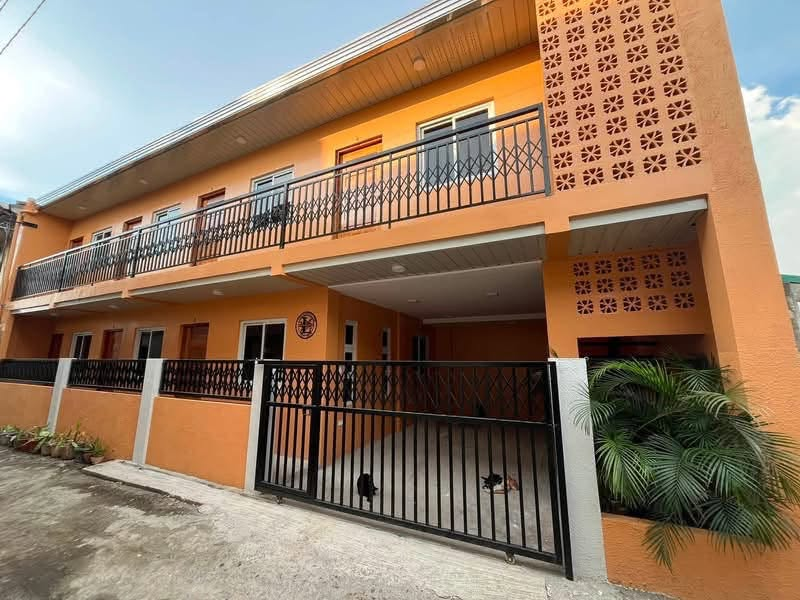 Apartment
2 slots available
Ismol Orange
Sico, City of Lipa, Batangas
₱6,000.00 / month total, split among tenants
Questions landlords ask
How do landlords join?
Sign up with your email, add your property and units with the guided setup, then post a listing for review.
What can I manage as a landlord?
Reservations, monthly bills and payments, repair requests, lease contracts, move-in and move-out checks, and announcements to your tenants.
How are listings checked?
The Occuplace team reviews every listing before it goes public, and anyone can report a listing that looks wrong.
Do tenants need an account to reserve?
No. They send their details and downpayment, and follow the answer on a reservation status page. Once you confirm, they get a login.
How do tenants pay the downpayment?
They pay your GCash, Maya or bank account by scanning the QR or copying the account number, then upload a screenshot of the receipt. The downpayment is taken off their first monthly bill.
Ready to put your place on Occuplace?
Set up your property in minutes, and tenants can start reserving once the team approves your listing.